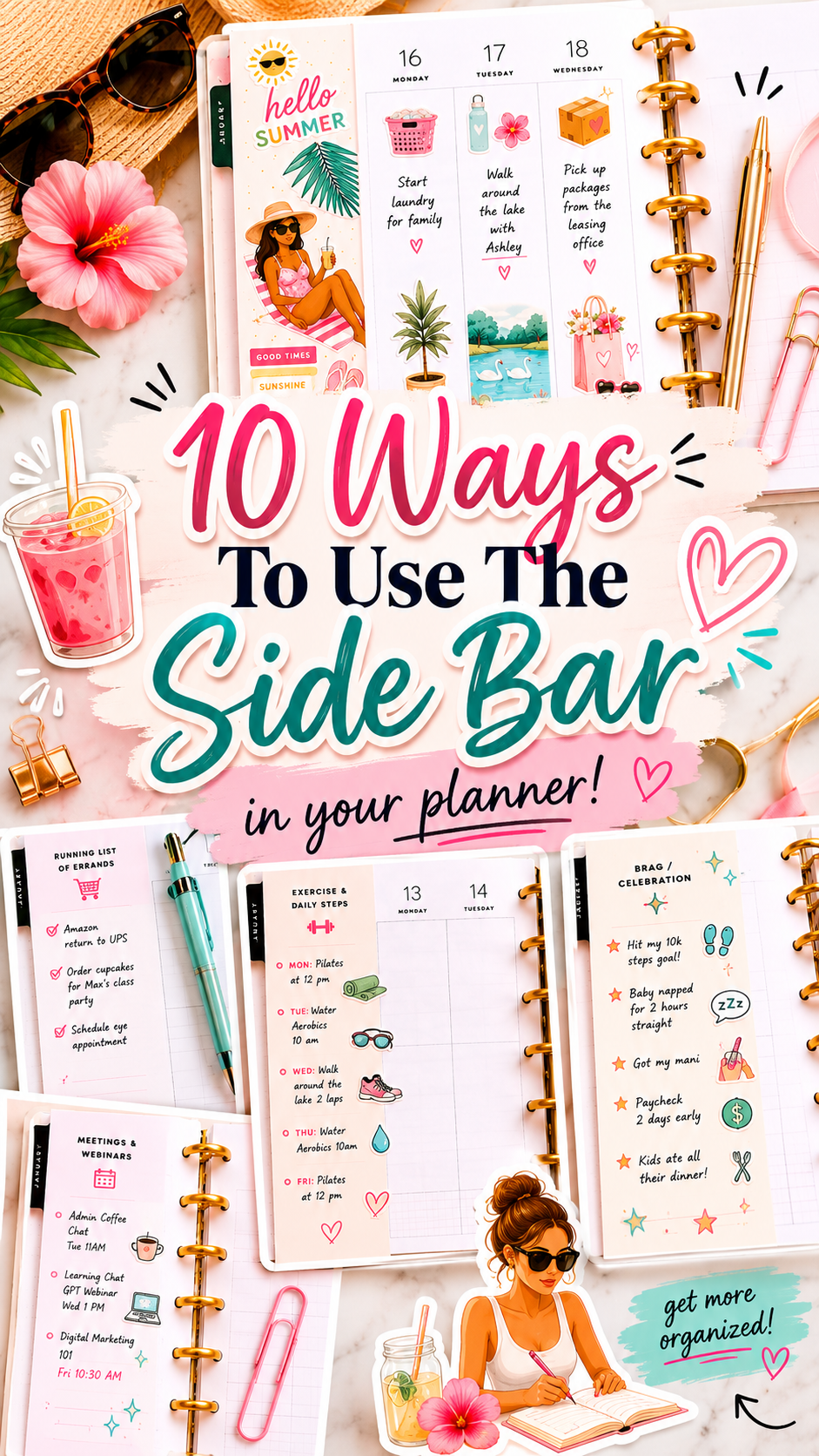
If you follow me on Instagram, you may have seen my reel on the many ways to use the sidebar/note section in your planner a while back. I don’t know about you, but in the past, often, this section would go unused because I didn’t know what to do with it! However, there are so many things that you can do with it, and it doesn’t require much effort. So, keep reading as I show you 10 ways to use your planner’s sidebar/notes section.
Decorate with a motivational quote
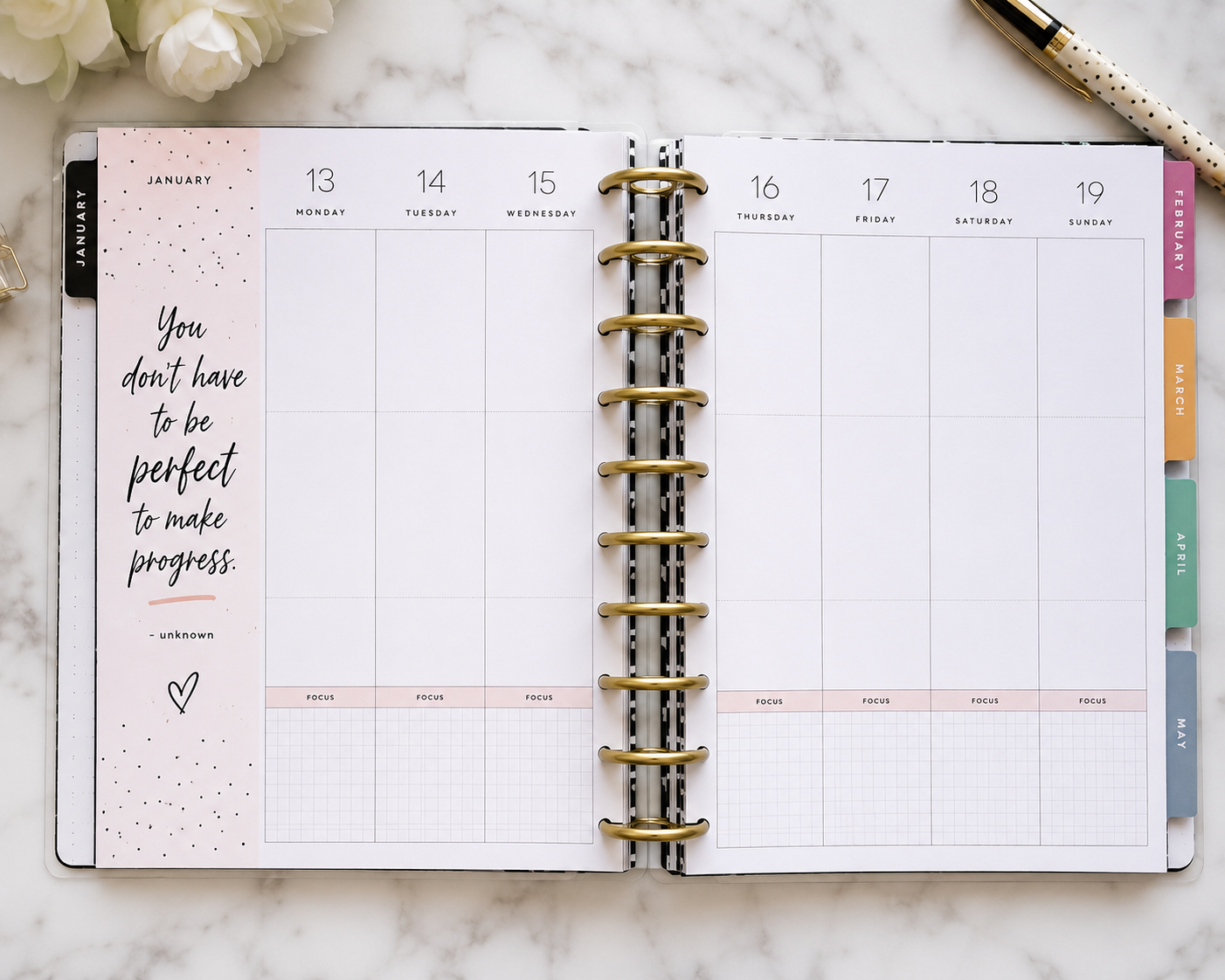
This is an easy but powerful one! Decorate this section with a motivation quote or affirmation that resonates with you. Then, whenever you open your planner to the current week, you can repeat it to yourself three times to help boost your mindset and help get through the week!
Keep a running shopping list
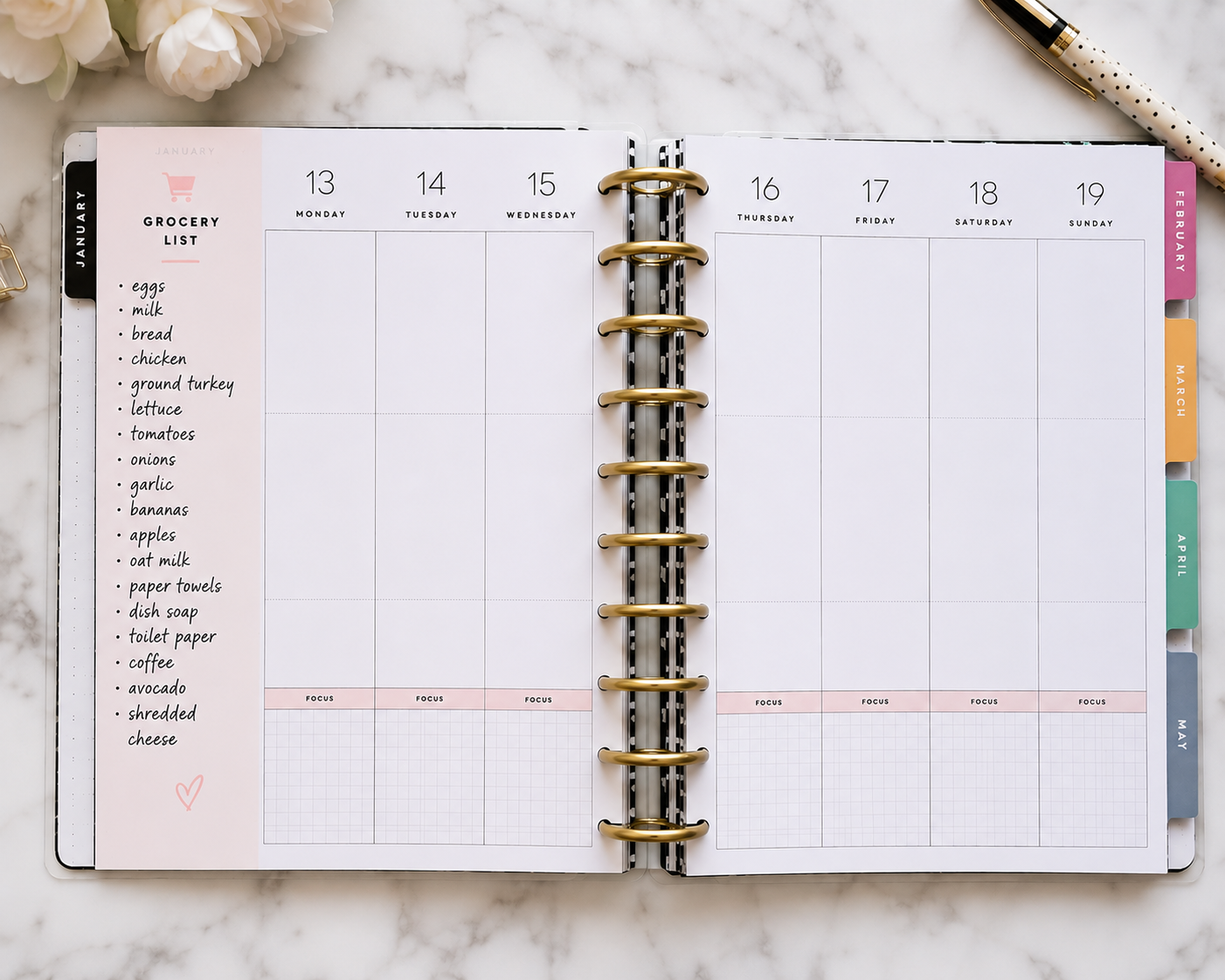
Even if you utilize InstaCart or Shipt, you may still buy your produce in-store, I know I do! Whether you just need milk or salt, keeping a running list ensures you won’t forget what you need when it’s time to go shopping. This reduces how often you will need to go shopping during the week. You can get every in one trip! #Efficiencyatitsfinest.
Keep a running list of what makes you happy this week
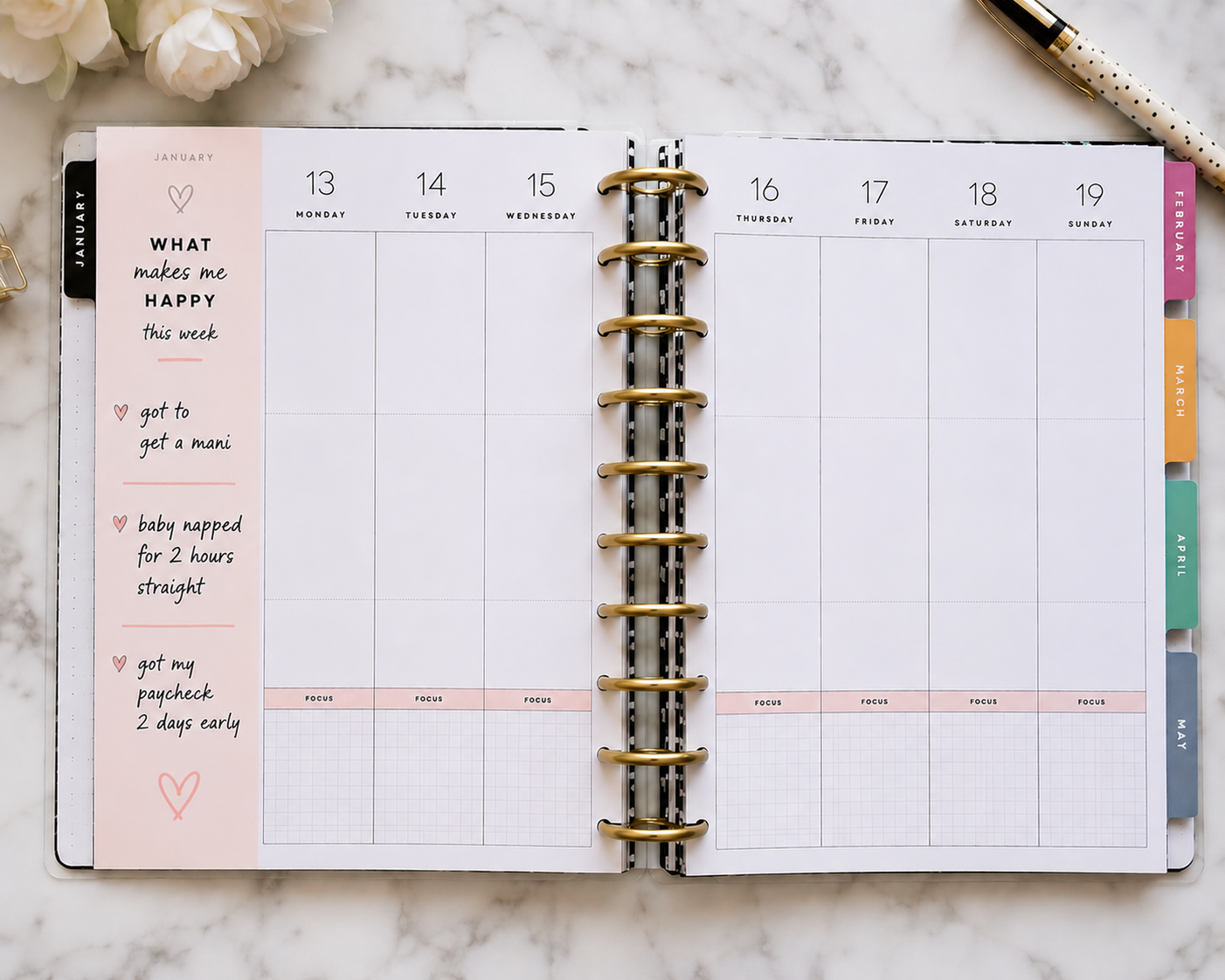
Occasionally, I enjoy doing this. Sometimes we focus on what we dislike and forget about the small things that make us happy! Every day, make a note of what makes you happy. You may end up needing more space than what’s provided in your planner! A few examples include:
- something that made you smile
- a compliment you received
- a productive day
- a cozy moment
- a parenting win
- a business milestone
Create a brag / celebratory section
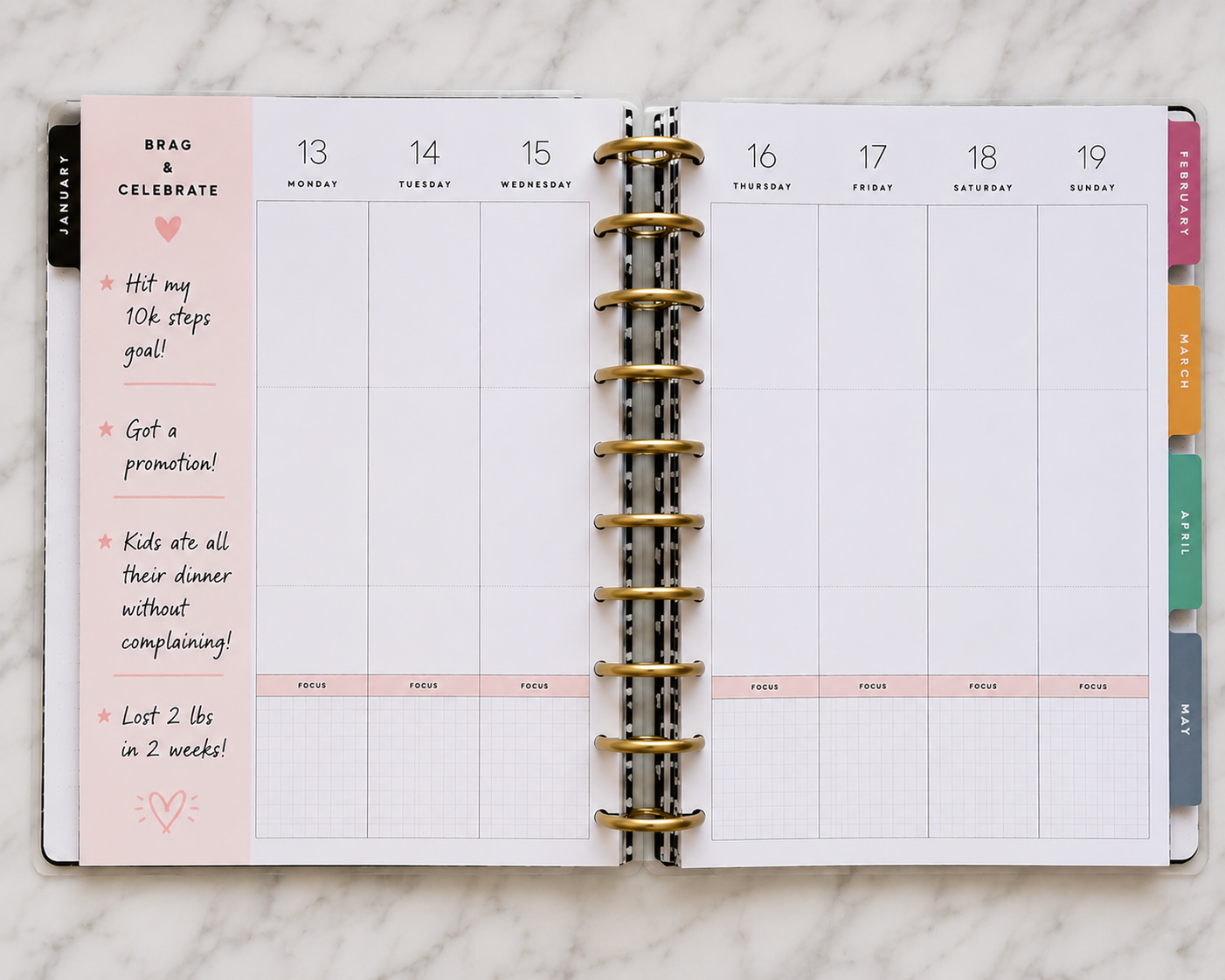
Similar to keeping a ‘what makes you happy,’ creating a brag or celebratory section allows you to share your wins! Hit your 10k steps goal? Got a promotion? Did baby sleep through the night? Kids ate all their dinner without complaining? You get it where this is going; highlight whatever you want in this section!
Keep a running list of errands/chores to do
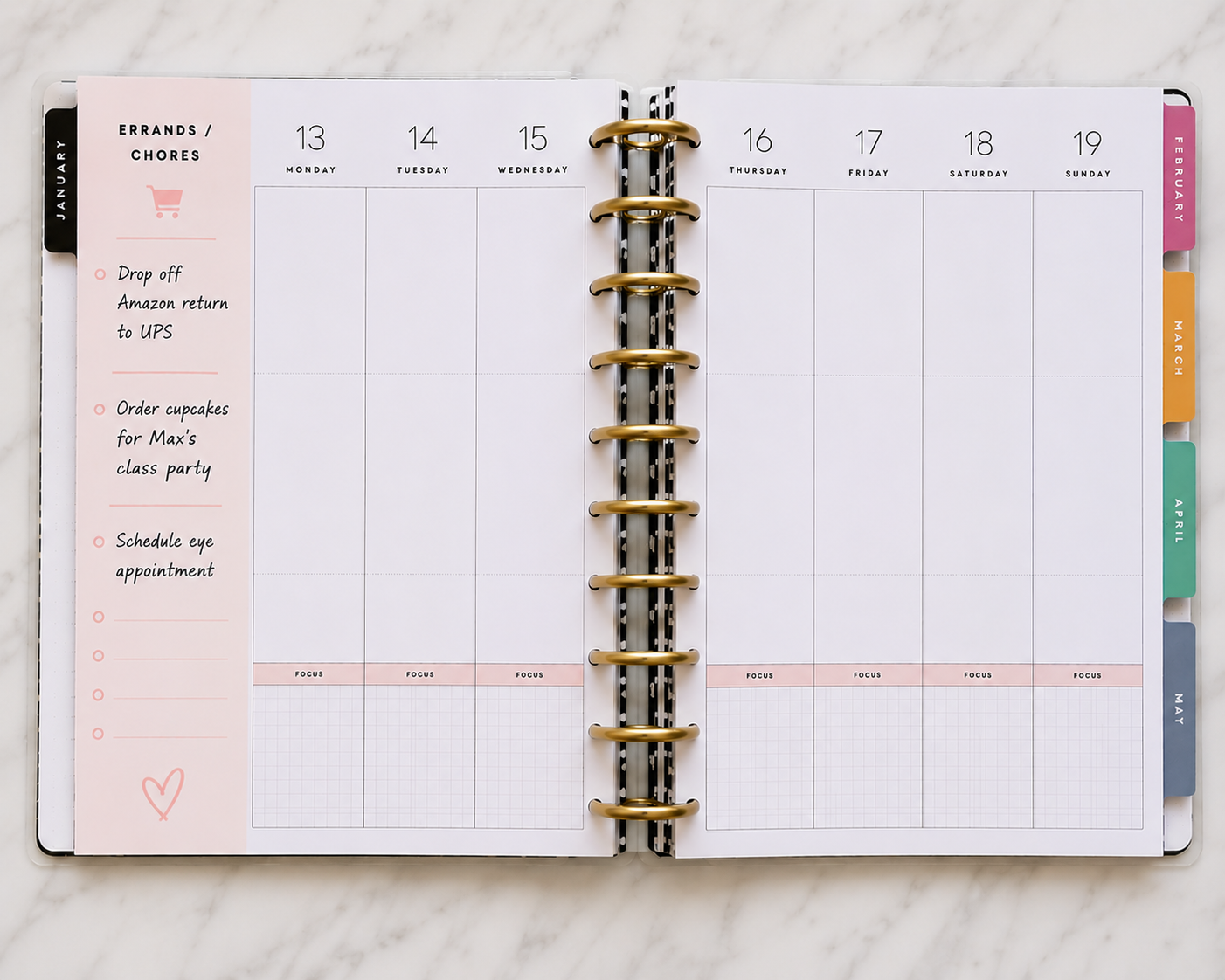
Similar to keeping a grocery list, you can actually divide the notes section in your planner in two, with the top half dedicated to grocery shopping and the bottom half dedicated to your errands. For example, on my designated days, I like to run errands first and then go grocery shopping. So, assuming what needs to be done is in the same area, you can also do this!
Fortunately for me, If I’d like to pick up new planner supplies (sticker books!) Hobby Lobby, Michaels, and JoAnn (R.I.P) are all within a few miles of one another. So, I can buy my planner supplies, put them in the trunk of my car and then walk into the grocery store to grab what I need! #winwin
Create a reminder list for the following week to reference
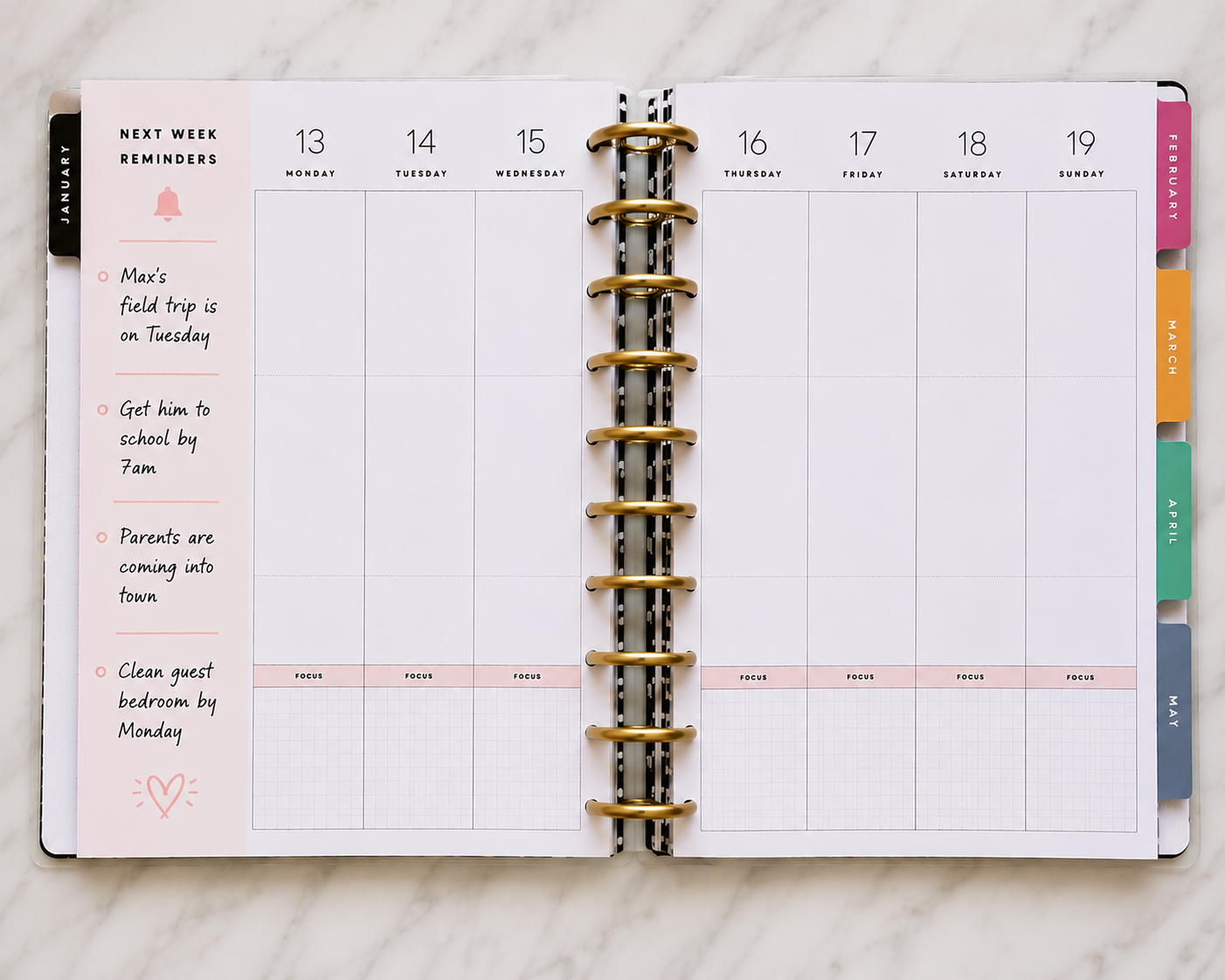
Sometimes there are things you remember now but don’t need to do until next week, but you may forget then, so make a note of it now to refer back to when you need to do it! Here are a few additional examples:
- email someone back
- schedule an appointment
- order more diapers
- prep content
- pay a bill
- refill prescriptions
Use the space for decorating purposes relating to your theme!
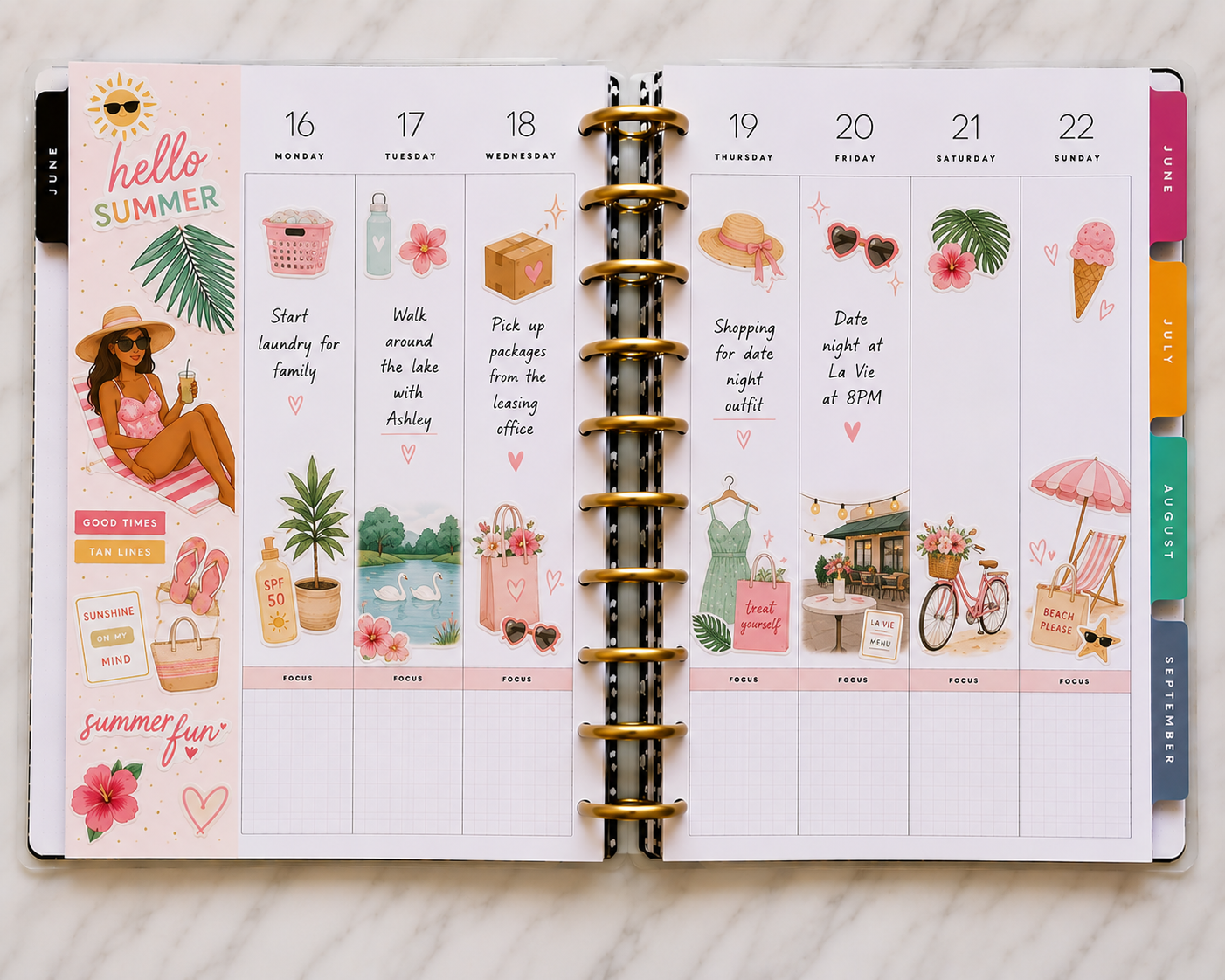
Every space in your planner doesn’t have to serve as a functional space. It can also just be pretty and your happy place. You could simply use the notes section in your planner as intentional white space waiting to be adorned with stickers and other embellishments.
Make a note of your work schedule for the week
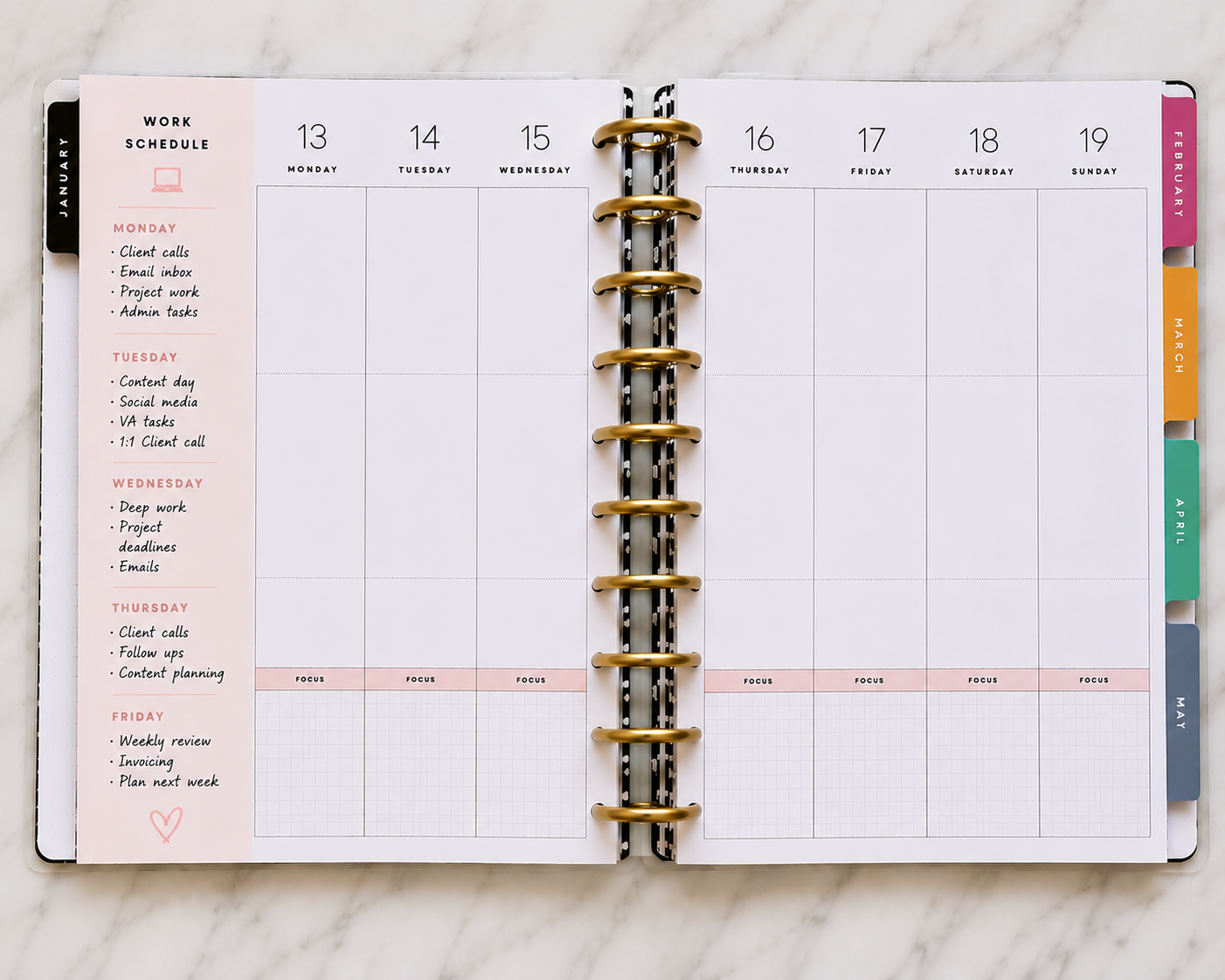
You may create your own schedule if you’re an entrepreneur like myself. My work schedule is built around my life. For example, I will alter my work schedule if I have a doctor’s appointment. If I prefer to get my nails done midday, so I will adjust my work schedule. If you’re in a similar position, using the notes section in your planner to keep up with your day-to-day schedule. Other ways you can use it:
- content filming days
- meeting reminders
- admin work
- deep work blocks
- client calls
- rest days
This is especially helpful if your schedule changes often.
Keep a running list of meetings/webinars you’re attending
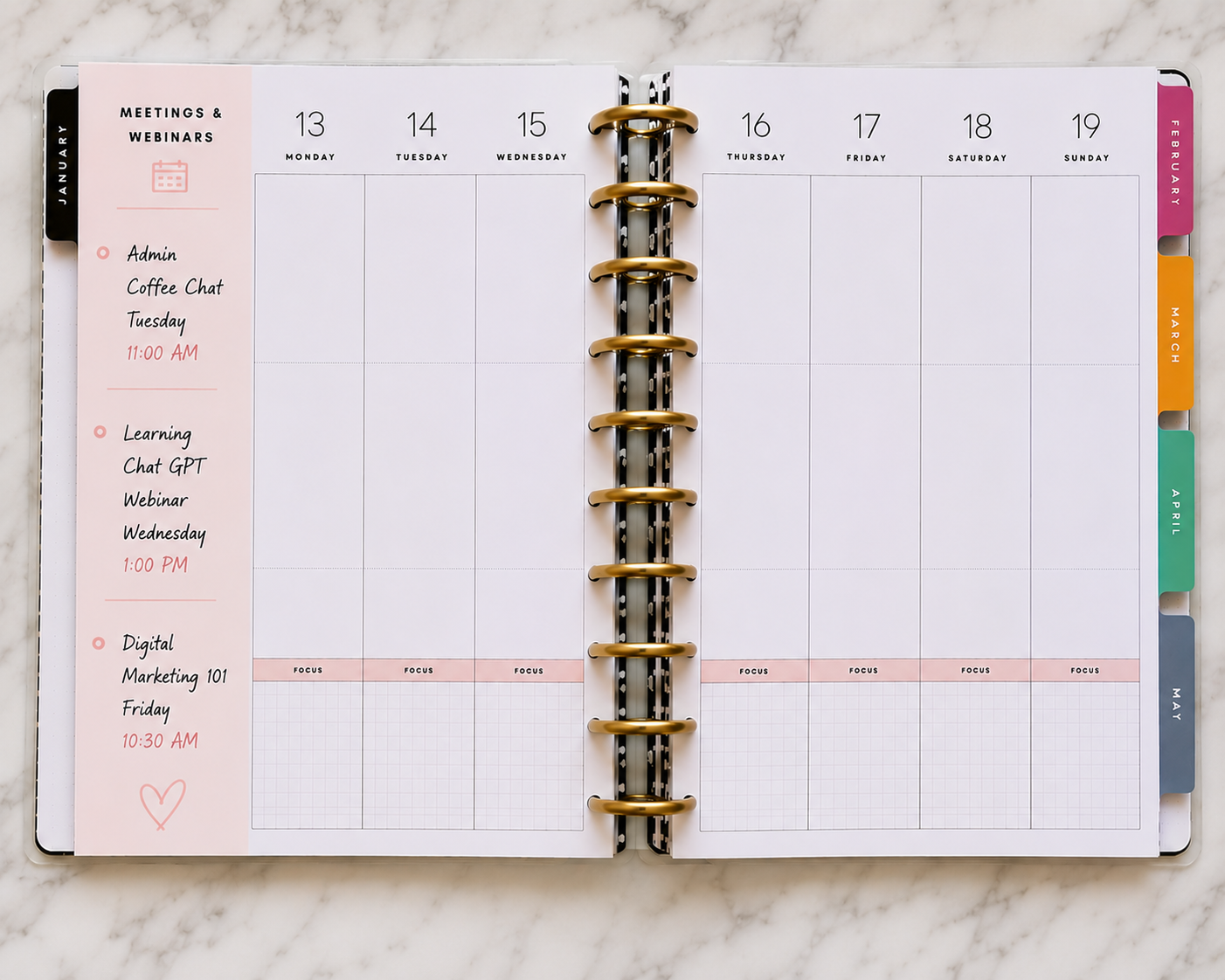
Attend a lot of meetings or free webinars? Use the notes section in your planner to see your upcoming meetings in one place to avoid flipping through pages or checking multiple apps, you can quickly glance at your planner and know what’s coming up.
Keep track of your daily exercise or walking steps
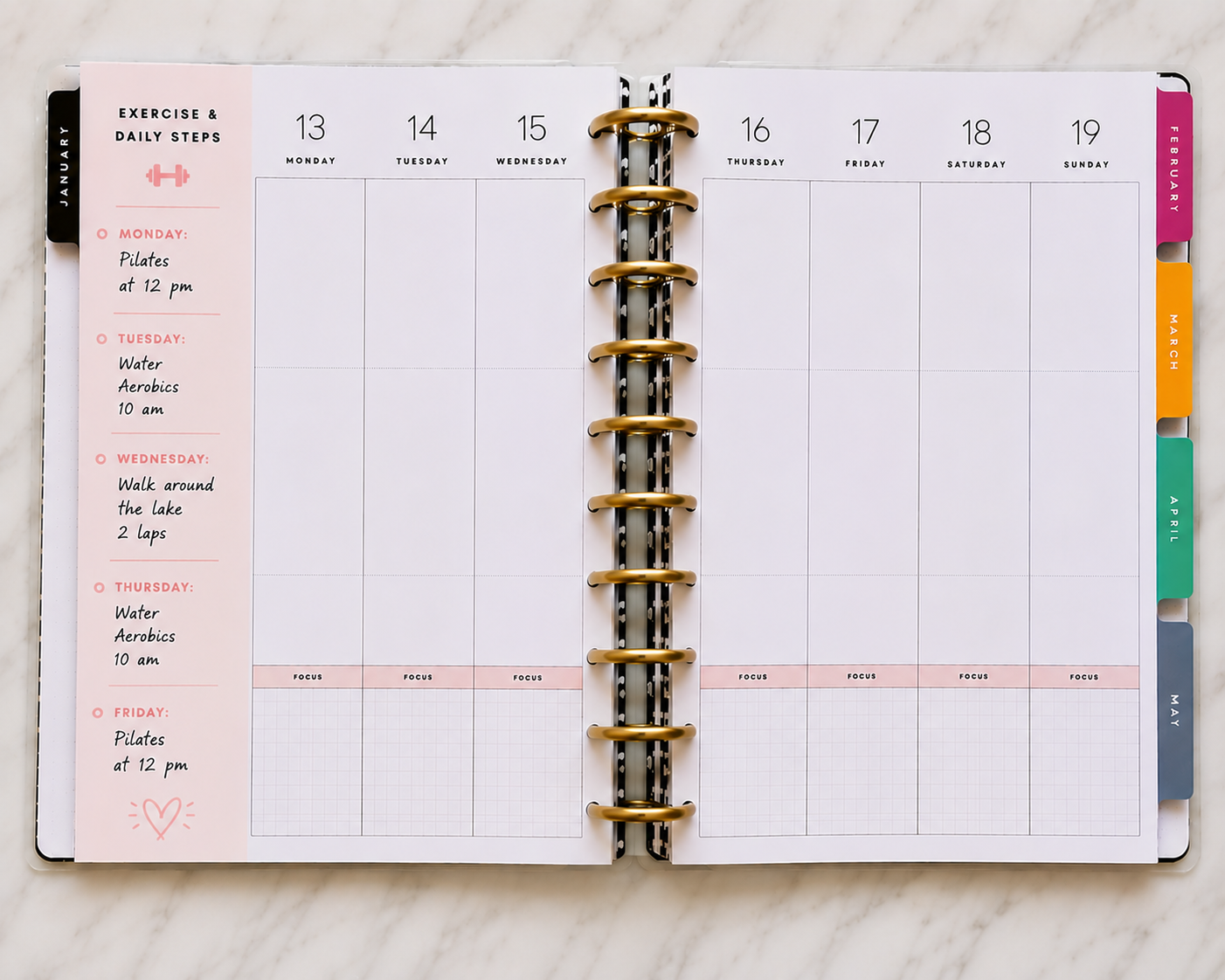
Lastly, keep track of your exercise and walking steps to see your progress from Monday to Sunday! It can also serve as a mini wellness section.
You can use it to track:
- daily steps
- workouts
- water intake
- vitamins
- sleep
- mood
- screen time
- self-care habits
It doesn’t have to be complicated. Even a quick checkmark system can help you stay more consistent.
The notes section in your planner may seem small, but it can become one of the most useful spaces on the page once you start using it intentionally.
The best part is there’s no “right” way to use it. Your planner should support your lifestyle, not stress you out.
Whether you use it for organization, creativity, wellness, motherhood, business, or everyday life management, that tiny section can do a lot more than most people realize.
And honestly? You’ll probably come up with even more ideas once you start experimenting with it.
If you have a favorite way to use your planner’s notes section, I’d love to hear it below!
I linked some of my favorite planner supplies, sticker books, pens, and organization finds here.